
Protocols
Microsoft Intune
Entra directory setup and Intune SCEP validation.
Intune validation uses the multi-tenant Entra application configured by the deployment operator. No NDES server is required. Operators must configure the application credentials before the connector is available.
Connect
On the SCEP tab of SCEP · ACME · EST, select Connect under Microsoft Entra directory. An account with sufficient permissions must complete two steps:
- Sign in with their Microsoft account.
- Accept, the permissions needed for SimpleSCEP to issue SCEP certificates in your Azure tenant.
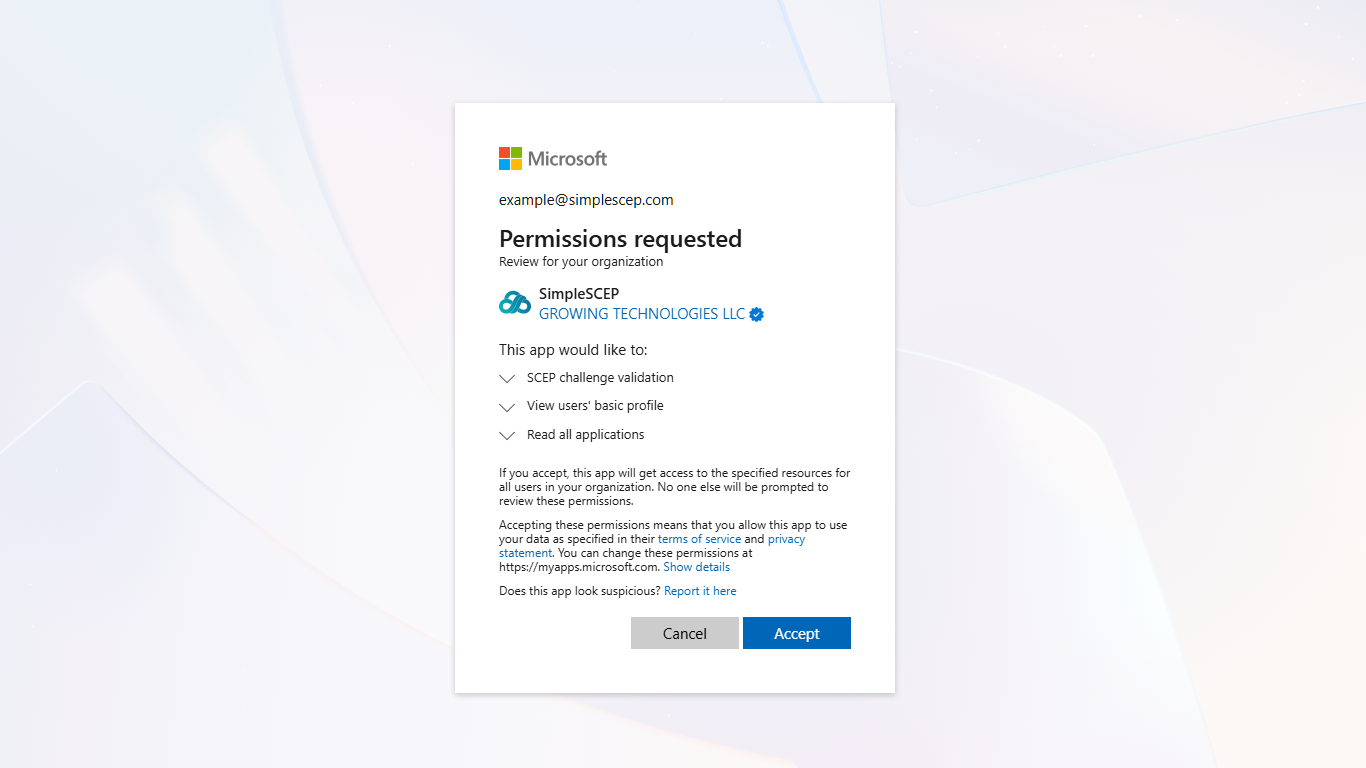
Only the connected directory ID is stored. The deployment's application credential is configured by the operator rather than created per connected directory.
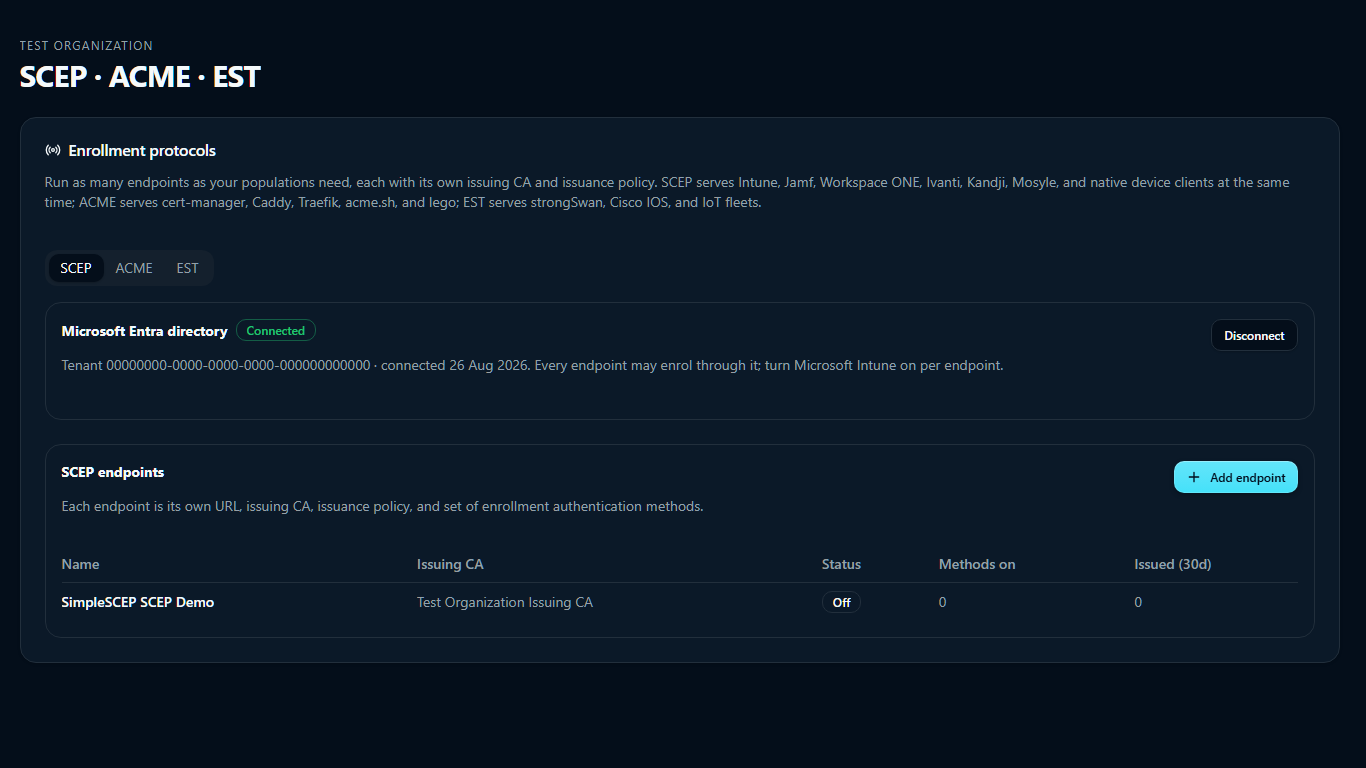
Entra may take a minute to apply consent. Retry if the first connection attempt reports that consent is still pending.
One directory, one organization
Each organization connects to one directory, and each directory connects to one organization. Enable Microsoft Intune separately on each endpoint.
Deploy profiles
Deploy the trusted-root profile and the SCEP profile together, and make sure the root reaches the device first.
Put the plain endpoint URL in the profile's SCEP Server URLs:
✓  https://pki.example.com/scep/<endpoint-id>
✗  https://pki.example.com/scep/<endpoint-id>/pkiclient.exe
Do not add /pkiclient.exe; Windows appends it. Adding it produces /pkiclient.exe/pkiclient.exe and error 0x800700CE.
Certificate validity, the renewal window, and the extended key usages come from the endpoint. Intune's own validity setting is ignored.
Revocation
Intune revocations are processed hourly and reported in the Intune console. Revocation from the SimpleSCEP Certificates page is immediate.
Issuance failures are reported to Intune.
Disconnect
Select Disconnect to unbind the directory. To withdraw consent, delete the SimpleSCEP enterprise application under Entra ID → Enterprise applications.
Disconnecting stops Intune-authenticated enrollment and Intune-driven revocation. It does not revoke certificates already issued.
When a connection stops working
In rough order of likelihood:
- The SimpleSCEP enterprise application was deleted from your directory.
- Admin consent was revoked.
- Your Intune licensing changed.
Reconnect from the SCEP tab. If discovery succeeds but Intune reports no SCEP service for the tenant, Intune is not licensed or the role assignment did not apply — check the enterprise application is present and consented.